An online store is more than a product catalog. It is a sales system.
If your store looks confusing, loads slowly, hides key details, or makes checkout hard, shoppers leave. If your product data is outdated, inventory is wrong, or follow-up is weak, sales can slip away even after someone shows interest.
That is why modern store design and management matter in 2026.
Store design helps shoppers trust your brand, find products faster, compare options, and complete checkout with less friction. Store management keeps the backend clean, products updated, inventory accurate, orders organized, and follow-up systems working.
This guide is for U.S. ecommerce brands, Shopify and WooCommerce store owners, local businesses selling online, startups, and growing companies that want more sales from their existing traffic.
Quick Answer: How Do Store Design and Management Boost Online Sales?
Modern store design and management boost online sales by making the full shopping path easier.
Design improves trust, navigation, product discovery, product confidence, mobile shopping, and checkout clarity. Management keeps products, pricing, inventory, orders, CRM, analytics, and follow up clean.
Together, they reduce friction and help more visitors become buyers.
A good online store should help shoppers answer these questions fast:
- Can I find what I need?
- Do I trust this brand?
- Is the product clear?
- What does it cost?
- How fast can I get it?
- Can I return it?
- Is checkout simple?
- Will this business follow up if I need help?
If your store answers these questions clearly, your chances of getting the sale improve.
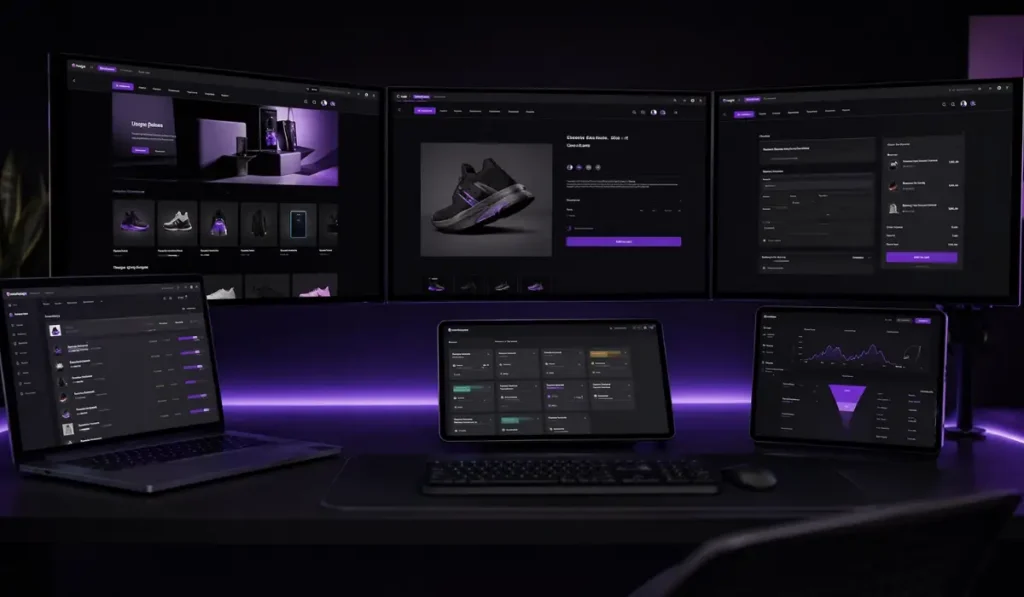
Store Design vs Store Management: What’s the Difference?
Store design and store management work together, but they are not the same.
| Area | Store Design | Store Management |
| Main role | Front end shopping experience | Backend store operations |
| Includes | UX, layout, mobile, product pages, checkout | Inventory, products, orders, CRM, analytics |
| Sales impact | Helps shoppers find, trust, and buy | Keeps the store accurate and reliable |
| Example | Clear product filters | Stock levels stay updated |
| Main goal | Reduce friction for shoppers | Reduce errors behind the scenes |
A store can look good but still lose sales if the backend is messy. A store can also have strong operations but still fail if the design makes shopping hard.
The best online stores need both.
Why Modern Online Store Design Matters in 2026
Modern online store design is not about decoration. It is about helping people buy with confidence.
It Creates Trust Fast
Shoppers judge your store quickly.
If the layout feels outdated, the images are low quality, or the checkout looks unsafe, people may leave. A clean store design helps your brand feel real, active, and ready to serve.
Trust can come from:
- Clear branding
- Strong product photos
- Simple navigation
- Reviews
- Secure payment icons
- Clear policies
- Consistent design
- Easy contact options
It Helps Shoppers Find Products Faster
People should not have to fight your website to find what they need.
Good store design makes product discovery simple through:
- Clear menus
- Helpful categories
- Search bars
- Product filters
- Sort options
- Featured collections
- Related products
When shoppers can find products faster, they are more likely to stay.
It Improves Product Confidence
Online shoppers cannot touch the product. Your store must help them feel sure before they buy.
That means your product pages need clear images, useful descriptions, size or feature details, reviews, shipping information, and easy to see buttons.
A strong product page lowers doubt.
It Reduces Friction on Mobile
Many shoppers browse and buy from their phones. If your store is hard to use on mobile, you are likely losing sales.
Mobile first store design means:
- Text is easy to read
- Product images load clearly
- Buttons are easy to tap
- Navigation is simple
- Checkout is short
- Forms are not annoying
- Pages load fast
It Makes Your Brand Look More Professional
Your store design shapes how people see your business.
A clean and consistent design helps your brand feel more stable. That matters whether you sell clothes, tech products, handmade goods, home items, digital products, or professional services.
Design Factors That Directly Affect Online Sales
Some design details have a direct impact on the buying path.
Clear Homepage and Category Structure
Your homepage should explain what you sell and guide shoppers to the next step.
Your categories should be easy to understand. Avoid confusing labels. Use names your customers already know.
Strong Product Images and Descriptions
Good product images help shoppers see details, scale, color, and use.
Product descriptions should answer real buyer questions, such as:
- What is included?
- Who is this for?
- What size or material is it?
- How does it work?
- What problem does it solve?
- Why should I choose this option?
Easy Navigation, Search, and Filters
Search and filters help shoppers narrow choices.
Useful filters may include:
- Size
- Color
- Price
- Brand
- Category
- Material
- Rating
- Availability
- Use case
This is very helpful for stores with many products.
Clear Pricing, Shipping, and Return Details
Hidden costs can break trust.
Show pricing, shipping, tax, return details, and delivery information as clearly as possible. The earlier shoppers understand the full cost, the less surprised they feel during checkout.
Reviews, Trust Badges, and Payment Options
Trust signals reduce doubt.
Add reviews, secure checkout badges, payment options, guarantees, return policy links, and customer support details where they make sense.
Fast Mobile Pages
Speed matters because shoppers do not want to wait.
Large images, bloated plugins, poor hosting, and heavy code can slow down an online store. A fast store feels easier to use and more reliable.
Quick Store Design Checklist
Use this checklist to spot common design gaps:
- Can shoppers find products in 2 to 3 clicks?
- Are product images clear?
- Is the add to cart button easy to see?
- Is shipping shown before checkout?
- Is the return policy clear?
- Does the store load well on mobile?
- Are product filters working?
- Are reviews easy to find?
- Is the checkout simple?
- Does the store feel consistent with the brand?
If the answer is no to several of these, your store may need design improvements.
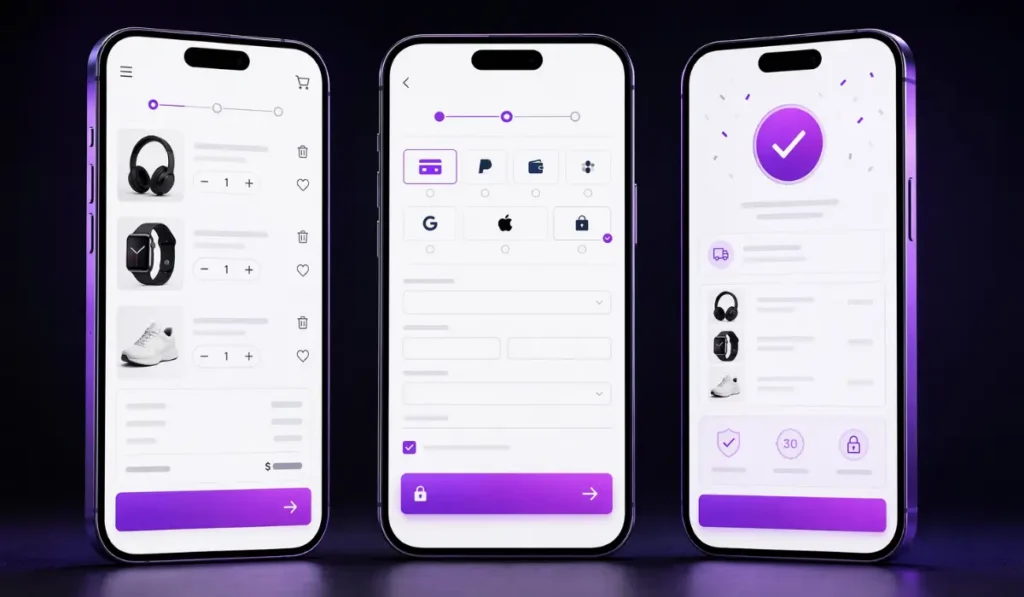
Product Page Design: Where Many Online Stores Lose Sales
Product pages are where shoppers decide if they are ready to buy.
A weak product page can lose a sale even if the product is good.
Product Images Should Answer Buyer Doubts
Images should show more than one angle.
Useful product images may show:
- Front and back view
- Close up details
- Size or scale
- Color options
- Product in use
- Packaging
- What comes in the box
This helps shoppers feel more confident.
Product Descriptions Should Answer Real Questions
Avoid thin product copy.
A good product description should explain the product clearly and help the buyer decide. It should not just list features. It should explain benefits and use cases in simple terms.
Size, Color, and Option Selectors Should Be Clear
If your store offers sizes, colors, plans, bundles, or product options, make them easy to choose.
Shoppers should not wonder which option is selected or whether the item is in stock.
CTAs Should Be Visible and Direct
Your add to cart button should be easy to see.
Use clear wording. Do not hide the main action below too much clutter.
Related Products Should Support the Buying Path
Related products can increase order value, but they should make sense.
Show helpful add ons, similar products, bundles, or items that complete the purchase.
Checkout Optimization: The Last Step Before the Sale
Checkout is the final step before the purchase.
If checkout is confusing, slow, or full of surprises, shoppers may leave.
Reduce Unnecessary Checkout Steps
Ask only for information you need.
Long forms can frustrate shoppers, especially on mobile.
Offer Common Payment Methods
Give shoppers payment options they trust.
This may include credit cards, debit cards, digital wallets, and other common payment methods based on your platform and audience.
Show Shipping, Tax, and Return Details Clearly
Unexpected costs are a common reason shoppers leave.
Make shipping, taxes, delivery estimates, and return details clear before the final step.
Support Guest Checkout When Possible
Some shoppers do not want to create an account before buying.
Guest checkout can reduce friction for first time buyers.
Keep Checkout Mobile Friendly
Checkout should be easy to complete on a phone.
Buttons, forms, payment options, and order summaries should be simple and readable.
Why Smart Store Management Matters Just as Much as Design
Good design brings shoppers in. Smart management keeps the store running well.
Store management is the behind the scenes work that keeps your online business organized.
Product and Inventory Accuracy Builds Trust
If a product says “in stock” but is not available, customers lose trust.
Good inventory management keeps product availability accurate. It also helps prevent overselling, delayed orders, and customer complaints.
Clean Product Categories Help Customers Buy FasterProduct organization matters.
Product organization matters.
Categories, tags, filters, and product names should be clear. This helps shoppers find what they need and helps your team manage the store more easily.
Order Management Reduces Mistakes
Order management keeps purchases moving from checkout to delivery.
This may include order tracking, status updates, shipping workflows, customer notifications, and returns.
A clean process leads to fewer errors.
CRM and Email Follow Up Recover Lost Sales
Not every shopper buys the first time.
CRM and email follow up can help recover lost sales through:
- Abandoned cart emails
- Product education
- Browse follow up
- Reorder reminders
- Review requests
- Win back campaigns
- Loyalty offers
Analytics Show What to Fix Next
Analytics help store owners make better choices.
You can see which products get traffic, which pages lose shoppers, which campaigns bring sales, and where checkout drops happen.
This helps you improve based on behavior, not guesses.
Common Sales Leaks in Online Stores
Many online stores lose sales because of small issues that add up.
Common sales leaks include:
- Slow mobile pages
- Confusing navigation
- Weak product photos
- Thin product descriptions
- Hidden shipping costs
- No trust signals
- Long checkout forms
- Outdated inventory
- Broken product filters
- No abandoned cart recovery
- No email follow up
- Poor analytics setup
- Unclear return policy
- Inconsistent branding
- Too many popups
Fixing these issues can make the store easier to use and easier to trust.
2026 Store Design and Management Trends to Watch
Trends should support the customer path. They should not make your store harder to use.
AI Product Recommendations
AI can help show products based on browsing behavior, past purchases, or customer preferences.
This can help shoppers find products faster when used carefully.
Personalized Shopping Experiences
Personalization can show different products, offers, or messages based on customer behavior.
For example, a returning shopper may see products related to their last purchase. A first time visitor may see best sellers or starter bundles.
Mobile First Product Discovery
More stores are designing product discovery for mobile first.
This means clearer menus, faster search, easier filters, and simpler product pages.
Unified Inventory and Customer Data
Stores work better when inventory, pricing, customer data, orders, CRM, and email systems stay connected.
Disconnected systems can create errors, delays, and weak follow up.
AR and 3D Product Previews
AR and 3D previews can help some shoppers see products more clearly before buying.
This is useful for items like furniture, fashion, home decor, beauty, and products where size or appearance matters.
More Connected CRM, Ads, and Email Automation
Store design and management now connect closely with marketing.
Your store, CRM, Google Ads, email, and social media should work together so customers see consistent messages.
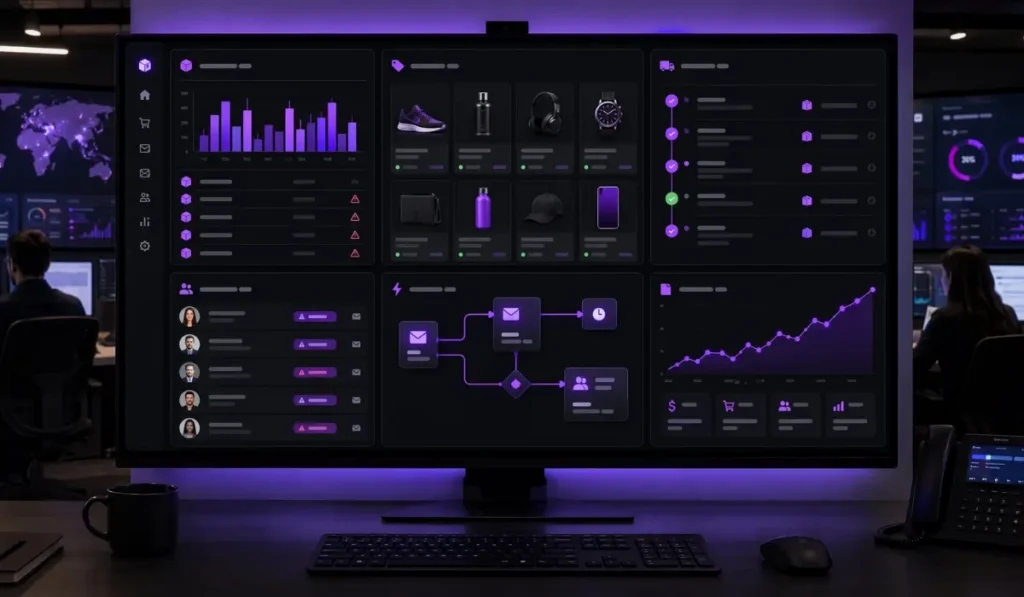
How Benzify Helps With Store Design and Management
Benzify helps U.S. businesses design, manage, and improve online stores for growth.
The goal is not just to build a good looking store. The goal is to create a store that is easier to use, easier to manage, and better connected to your sales and marketing systems.
Custom Shopify, WooCommerce, and WordPress Store Design
Benzify can help create store layouts that match your brand, products, audience, and sales goals.
Product and Catalog Setup
Benzify can help organize products, categories, filters, descriptions, images, and product details so shoppers can browse with less confusion.
Mobile First UX and Checkout Improvement
Benzify can improve store pages, mobile layouts, product pages, cart flow, and checkout structure to reduce friction.
Ecommerce SEO and Content Support
Benzify can help improve store structure, product content, category pages, metadata, and internal links so your store has a better chance to attract organic traffic.
CRM, Email, and Automation Setup
Benzify can connect your store with CRM, email marketing, abandoned cart recovery, customer follow up, and automation workflows.
Performance Tracking and Ongoing Store Updates
Benzify can help track store performance, update products, review analytics, and find improvement opportunities over time.
Need an online store that looks better, works smoother, and helps more visitors buy?
Final Takeaway
Modern store design and management boost online sales by improving the full shopping path.
Design helps shoppers trust, browse, compare, and buy. Management keeps products, inventory, orders, CRM, analytics, automation, and follow up working behind the scenes.
In 2026, winning stores need both. A store that looks good but is hard to manage will struggle. A store with good backend systems but weak UX can still lose buyers.
The best online stores are clear, fast, trusted, mobile friendly, easy to manage, and connected to the rest of the business.
FAQs About Modern Store Design and Management
How does modern store design and management boost online sales?
Modern store design and management boost online sales by improving trust, navigation, product pages, checkout, inventory accuracy, order flow, CRM, analytics, and customer follow up.
What is the difference between online store design and store management?
Online store design focuses on the front end shopping experience, such as layout, mobile UX, product pages, and checkout. Store management focuses on backend operations, such as products, inventory, orders, CRM, analytics, and updates.
What makes an online store high-converting in 2026?
A high converting online store is clear, fast, mobile friendly, easy to browse, easy to trust, and simple to check out from. It also has accurate product data and strong follow up systems.
How can better product pages increase online sales?
Better product pages increase sales by answering buyer questions before checkout. Clear images, useful descriptions, reviews, pricing, options, shipping details, and visible CTAs help shoppers feel more confident.
Why is checkout optimization needed for ecommerce?
Checkout optimization reduces friction at the final step. A shorter checkout, clear costs, trusted payment options, guest checkout, and mobile friendly forms can help more shoppers complete purchases.
Should I redesign my Shopify or WooCommerce store?
You should consider a redesign if your store looks outdated, loads slowly, has weak product pages, loses shoppers at checkout, has poor mobile UX, or no longer matches your brand or products.